
Design Tools
CookSelect - Fan Selection & Scheduling Software
Filter, select, and schedule your fan selections faster and easier with CookSelect selection software. Complete with powerful job management, lightning-fast search, and a full array of Cook fan configurations to select what you need.

Revit Tools
Revit models for each fan that have been saved to a Compute-A-Fan job file can be exported by selecting the "Export" menu and clicking "Export Revit Files and Schedule". This feature will export each model of fan that is contained in the job to a .zip file in the location of your choice. A text file of schedule information (CFM, SP, RPM, Volts, Amps, etc) is also included for use with Revit. Export the contents of the .zip file to your computer, leaving the .rfa and .txt files together. Now you are ready to load the .rfa model(s) into your open Revit project, using the standard "Load Family" feature.
Autodesk® Revit MEP®
Autodesk Revit families are available for each model and configuration of LOREN COOK product. Each 3D parametric family is a full-scale representation with information on ducts, electrical connections, mounting holes and more.
Browse our online library of individual Revit files

Apps for Smartphones & Tablets
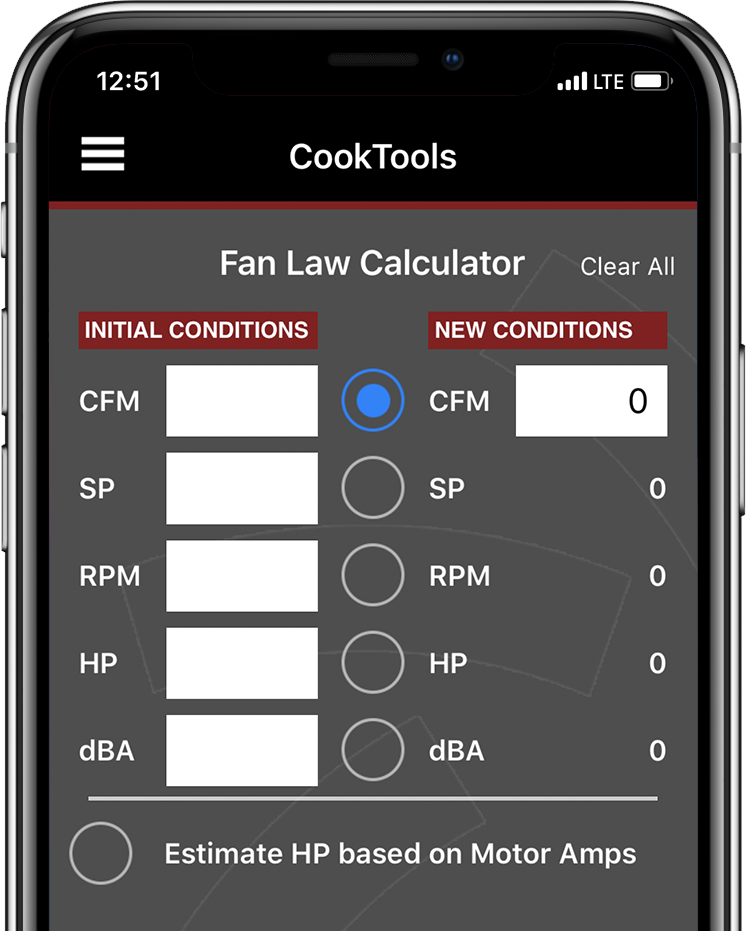
CookTools
CookTools is a new app providing a suite of simple-yet-powerful tools for the HVAC engineer, designer and contractor.
Included in CookTools:
- Fan Law Calculator – Calculate new system operating conditions quickly and accurately with just a few pieces of data.
- Sound Calculator – Calculates sound power, sound pressure and Noise Criteria from input of octave band sound data.
- Duct Designer – Quickly calculate rectangular and round duct sizes that meet your system needs
- Area Calculator – Computes section properties of round and rectangular shapes sections.
- Unit Conversion – Quickly calculates the most common conversions.
- Psychrometric Calculator – Computes pressure, temperature, dew point, humidity, and more.
From the main menu you also have access to all the Loren Cook Company social media channels and the mobile website.
Engineering Cookbook
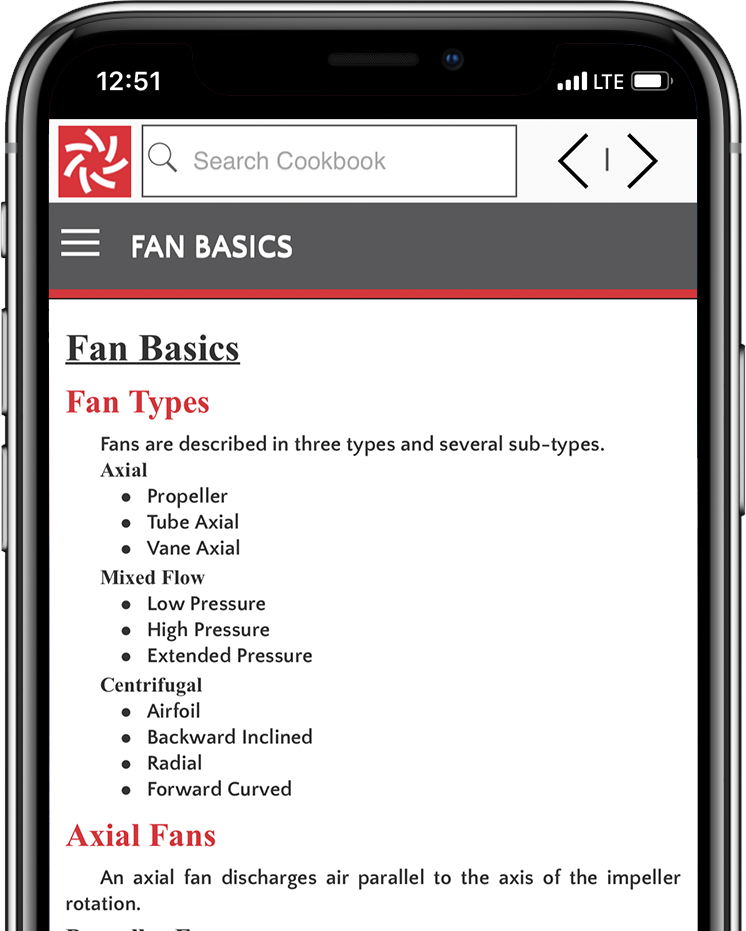
The Engineering Cookbook is a convenient reference guide for mechanical designers.
It provides access to frequently needed information, including:
- Fan Basics
- System Design
- Duct Design
- Motors & Drives
- Heating & Refrigeration
- Formulas & Conversion Factors
This free guide is available in printed form from your local COOK representative.
Android & iPhone Applications
Engineering Cookbook is available as a free app on Google Play & Apple App Store
Android app of Engineering Cookbook has been updated. Version 1.1 now has the ability to save to an SD card, if available.


Google Play and the Google Play logo are trademarks of Google Inc.


Apple and the Apple logo are trademarks of Apple Inc., registered in the U.S. and other countries. App Store is a service mark of Apple Inc.
Compute-a-Fan
Check out CookSelect our new web-based fan selection tool!